
If you use Windows seriously, sooner or later you run into those viral PowerShell one-liners that promise to fix, debloat, customize, or activate your system in seconds. Some of them are genuinely useful. Some are risky. And nearly all of them deserve a closer look before you paste them into an elevated terminal.
Why these commands exist
Over the last few years, PowerShell has become the fastest way for Windows enthusiasts, sysadmins, and advanced users to distribute automation. Instead of asking someone to download a ZIP file, extract it, open a script folder, read setup notes, and finally run a command, authors can publish a single line that launches their tool instantly. That convenience is exactly why commands like irm https://christitus.com/win | iex and irm https://get.activated.win | iex spread so quickly across forums, GitHub repos, Discord servers, and YouTube descriptions.
But simplicity on the surface can hide a lot of power underneath. A single one-liner can install packages, disable services, rewrite network settings, create restore points, schedule disk scans, or even modify licensing-related components in Windows. That is why I think these commands are worth understanding properly, especially if you are the kind of person who regularly opens Terminal as Administrator and assumes you can fix almost anything from the command line.
What irm and iex actually do
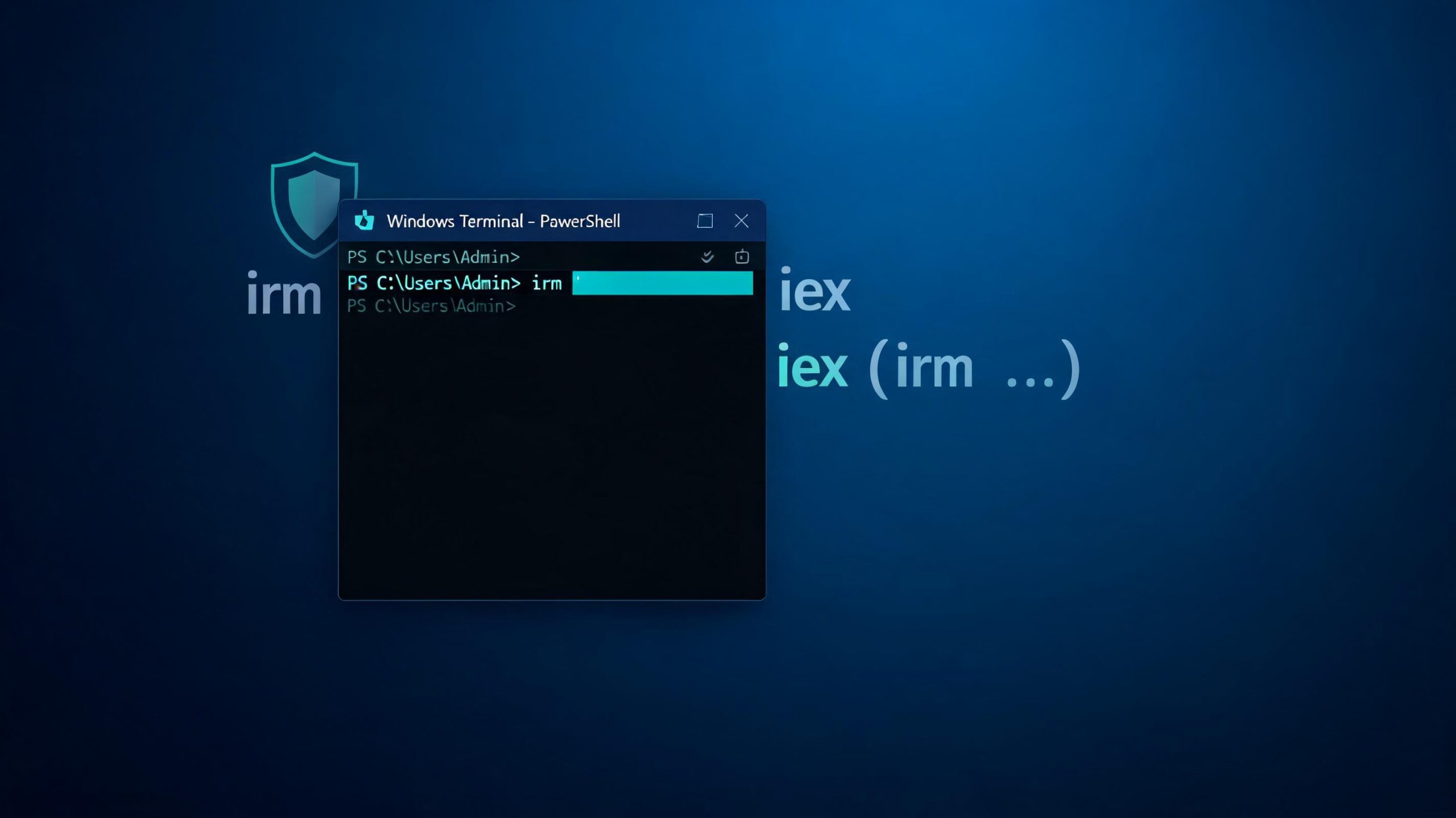
The first thing to understand is that these commands are not magic. They are just short aliases for built-in PowerShell functionality. irm is the alias for Invoke-RestMethod, which sends an HTTP or HTTPS request and returns the response content to PowerShell. If that response is a text-based PowerShell script, the script content arrives as data inside your current session.
The second half is iex, the alias for Invoke-Expression. Microsoft’s guidance is very clear here: Invoke-Expression should generally be avoided unless it is truly necessary, because it takes a string and executes it as PowerShell code.
irm https://example.com/script.ps1 | iexWhat you are really saying is: fetch whatever text is returned by that URL, then immediately run it as code in my current PowerShell session. That design is incredibly flexible, but it is also why this pattern sits right on the line between brilliant convenience and dangerous blind trust.
The Chris Titus Tech Windows Utility command
One of the best-known examples of this pattern is Chris Titus Tech’s Windows Utility, commonly launched with irm christitus.com/win | iex. The tool is positioned as a Windows utility for installs, tweaks, fixes, configuration, and updates, and its public GitHub repository presents it as a curated toolbox for streamlining Windows setup and optimization.
The reason this utility became popular is pretty obvious once you look at what it does. It can install and update applications, apply common Windows tweaks, expose repair options, reset parts of the update stack, and provide one place for a variety of advanced Windows maintenance actions. For fresh installs or repeated rebuilds, that kind of consolidation is genuinely useful.
There is a broader lesson here too. Not every irm | iex command is shady or malicious. Some are simply convenient launchers for open, community-reviewed utilities hosted by known authors with visible code and documentation. That does not make them risk-free, but it does make them meaningfully different from random pastebin payloads or scripts distributed through anonymous redirect domains.
The activation script command
The second command that often appears beside the WinUtil example is irm https://get.activated.win | iex. In practice, this is associated with Microsoft Activation Scripts, commonly known as MAS, which are widely discussed as a toolkit for activating Windows and Office through scripted methods rather than standard retail key entry.
From a purely technical perspective, this follows the same execution pattern as the WinUtil command: download a remote script and run it immediately. The difference is the purpose. Instead of helping you install apps or tweak Windows, it targets activation flows and licensing behavior. That makes it a very different category of tool, not only technically but also legally and ethically.
I want to be careful here: understanding how these commands work is useful, but that should not be confused with endorsing them for bypassing licensing. In business, professional, or client environments, anything that touches activation outside official channels can create legal, compliance, and support issues. Even in personal labs, users should understand that “works” and “recommended” are not the same thing.
Why power users love one-liners
There are solid reasons these commands took off. First, they are frictionless. You can paste a single line into an elevated PowerShell window and immediately get access to a much larger automation flow. Second, they are easy to keep updated. The script author can improve the code server-side without requiring users to redownload a new file manually. Third, they are easy to teach. A blog, a README, or a tutorial video can present one command instead of a five-step setup process.
This distribution model is especially attractive for Windows maintenance and bootstrap scenarios. If you rebuild machines often, maintain multiple PCs, or help less technical users recover broken systems, the time savings are real. A one-liner launcher can turn a 20-minute sequence into a 20-second entry point. That is powerful, and it explains why the pattern keeps showing up.
The security reality of irm ... | iex
Now the uncomfortable part. Invoke-Expression should be used only as a last resort, because safer and more robust alternatives are usually available.
Once you combine that with a remote fetch, the trust boundary gets even weaker. If the server changes the script, the command still runs. If a domain is compromised, the command still runs. If the user has not reviewed the script and launches it in an administrative shell, the remote code may execute with sweeping access to system configuration, services, networking, package installations, and core Windows repair tools.
This is why I strongly believe that technical users should stop treating all one-liners as equal. A known open GitHub project with visible code, active maintenance, and a track record is one thing. A mystery domain that resolves to an opaque payload is something else entirely. The command syntax looks the same, but the trust model does not.
My GeekLord script: Forge Maintenance
After revisiting the original batch-based maintenance workflow I had on hand, I decided to turn it into a cleaner, safer, and more presentable PowerShell tool for GeekLord readers. The result is GeekLord Forge Maintenance, a Windows maintenance script designed for advanced users who want a practical set of repair tasks without the rough edges of an old-school batch file.
The original batch script handled six jobs: upgrading applications with WinGet, refreshing IP configuration, flushing DNS and resetting Winsock and the IP stack, running sfc /scannow, repairing the Windows image with DISM /RestoreHealth, and scheduling chkdsk /r for the next reboot. That is a solid maintenance baseline, but I wanted something more deliberate and safer for public use.
So the GeekLord PowerShell version adds three important improvements. First, it creates a restore point when possible. Second, it logs the session using Start-Transcript, which records commands and console output into a text file for later review. Third, it introduces confirmation prompts so that more disruptive actions are not executed silently.
In short, this is my preferred version of a maintenance one-liner for GeekLord readers: transparent, branded, practical, and much easier to audit than a raw batch file tossed around in a ZIP archive.
Running GeekLord Forge Maintenance
I host the script on GeekLord, so the whole tool runs from a single line in an elevated PowerShell window:
irm https://geeklord.com/forge-maintenance.ps1 | iexThat single command fetches the current script and runs it in your session. It first checks that you are elevated, offers to create a System Restore point, and then works through its six maintenance tasks: WinGet upgrades, an IP release and renew, a DNS and Winsock/IP reset, sfc /scannow, DISM /RestoreHealth, and scheduling chkdsk /r for the next reboot. Disruptive steps ask before they run, the whole session is written to a transcript log, and a summary table reports how each step finished.
Prefer to read before you run? That is the safer habit, and I encourage it. Download forge-maintenance.ps1, open it in any editor, and once you are happy with it, run it locally from an elevated prompt:
Set-ExecutionPolicy -Scope Process -ExecutionPolicy Bypass -Force
.\forge-maintenance.ps1
Running the file directly also unlocks a few switches for finer control: -WhatIf previews every step without changing anything, -Yes auto-approves the prompts for unattended runs, and there is a -Skip* switch for each task (such as -SkipCheckDisk or -SkipWinget) so you can run only the parts you need.
Best practices before running remote PowerShell
Even when the script is yours, there are a few habits worth keeping. First, host over HTTPS and keep the file under your own domain. Second, publish readable source code, not obfuscated payloads. Third, where practical, provide a “download and inspect first” path alongside the one-liner. And fourth, build safety into the script itself, which is exactly why I added transcript logging, restore point creation, and confirmation prompts to GeekLord Forge Maintenance.
For readers who want the convenience of one-liners without blind trust, that is the real sweet spot. Use the network as a delivery channel, but do not abandon transparency. A good PowerShell bootstrap script should be easy to read, easy to test, and careful about the actions it performs on a user’s machine.
Final thoughts
PowerShell one-liners like irm christitus.com/win | iex became popular for a reason: they reduce friction and unlock serious automation from a single command.
My view is simple. Learn the pattern, understand the risk, treat activation-related tooling with caution, and prefer scripts that are visible, reviewable, and responsibly designed. That is also the philosophy behind GeekLord Forge Maintenance: practical Windows repair automation with better safety rails, better logging, and cleaner user prompts than the average copy-paste one-liner on the internet.
If you are the kind of user who likes solving Windows problems from a terminal, that balance matters. Fast is good. Clear is better. Safe and clear is what I aim for on GeekLord.